Logging In
Step 1
- Open Indigo®.
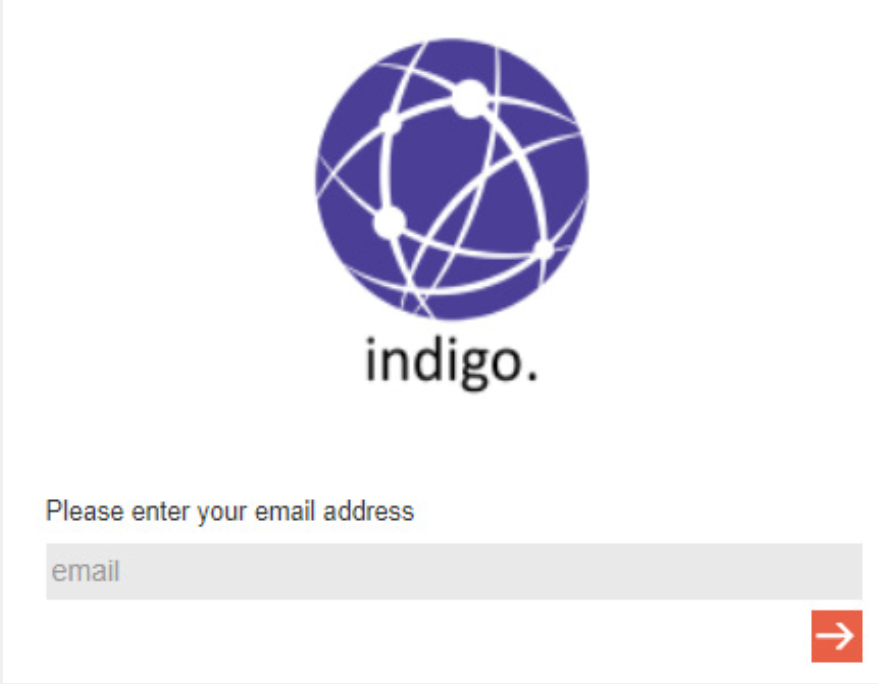
- If prompted, enter your Email Address.
- Click
 .
.
Step 2
Indigo® checks for previous use:
- If yes, enter your password to log in.
- If no, register as a new user.
Note: If you’re an existing user but get the registration screen, go back and re-enter your email correctly.
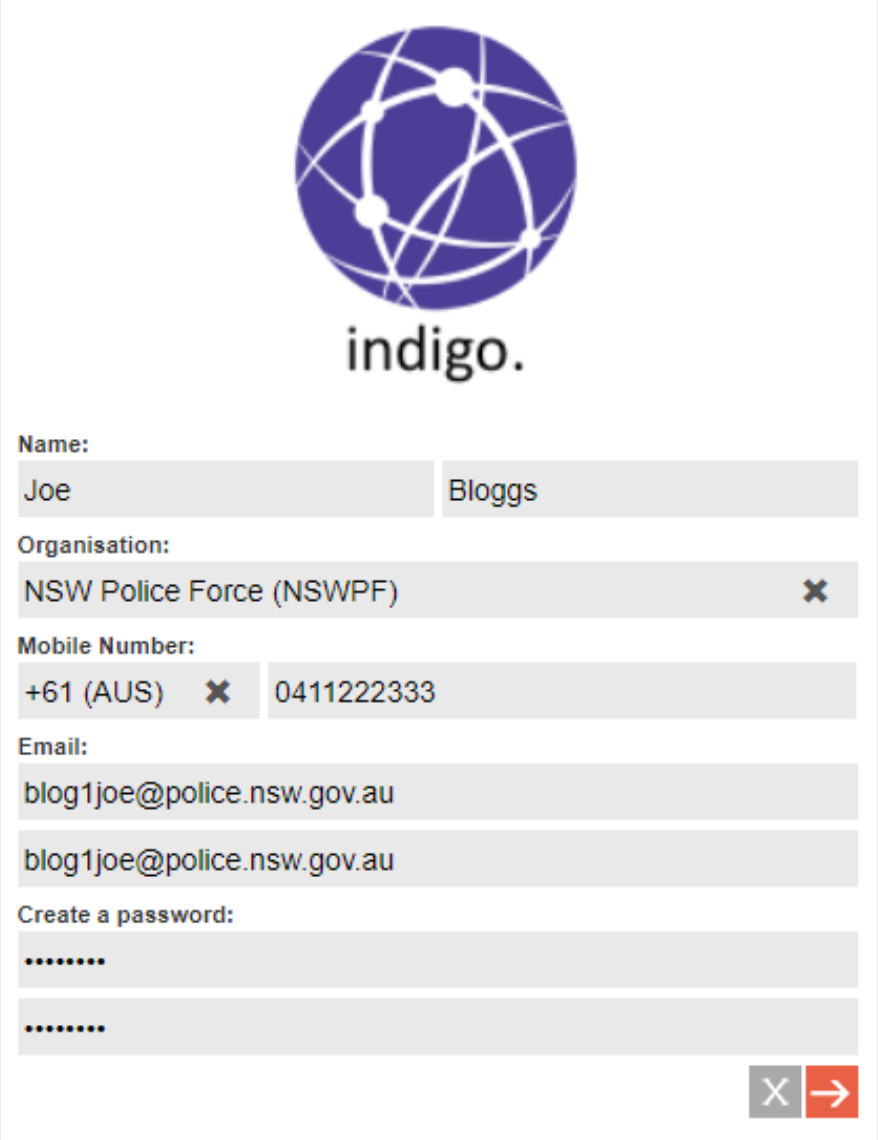
Step 3: New User Creation
- Fill in or confirm your registration details.
Step 4: Log into an Operation
- Check your details.
- Choose an Operation and Role.
- Click to open the Indigo® Console.
Tip: Some lists (such as roles) are often very long. TO avoid scrolling, start typing your desired text in the list field and Indigo® will find a match for you.